


As you may have heard, I'm developing a new game, yay! I will tell you all about it later, but today I'm giving away free technology! You see, at first my idea was to have pixel art for my new game, and to make it look ever so great, I made a shader (it's a bit of code that display graphics) that would be just perfect for making little pixel art 3D effects without the hassle of modeling. When I later decided that I would be mainly using higher resolution graphics, I could no longer use my shader. And I didn't just want it to rot on my hard drive, so here it is world, take this sweet Pixel Art Parallax Mapping shader of mine, and put it to good use.
Here is a quickly made Shadertoy of it, so you can test it for yourself: https://www.shadertoy.com/view/t33yRl
Here is the actual code I used (HLSL): pixelartparallax.txt. It's a little bit different from the Shadertoy version, especially in that this version also allows a bottom heightmap (at which height each pixel begins), useful for making 2d images (sprites).
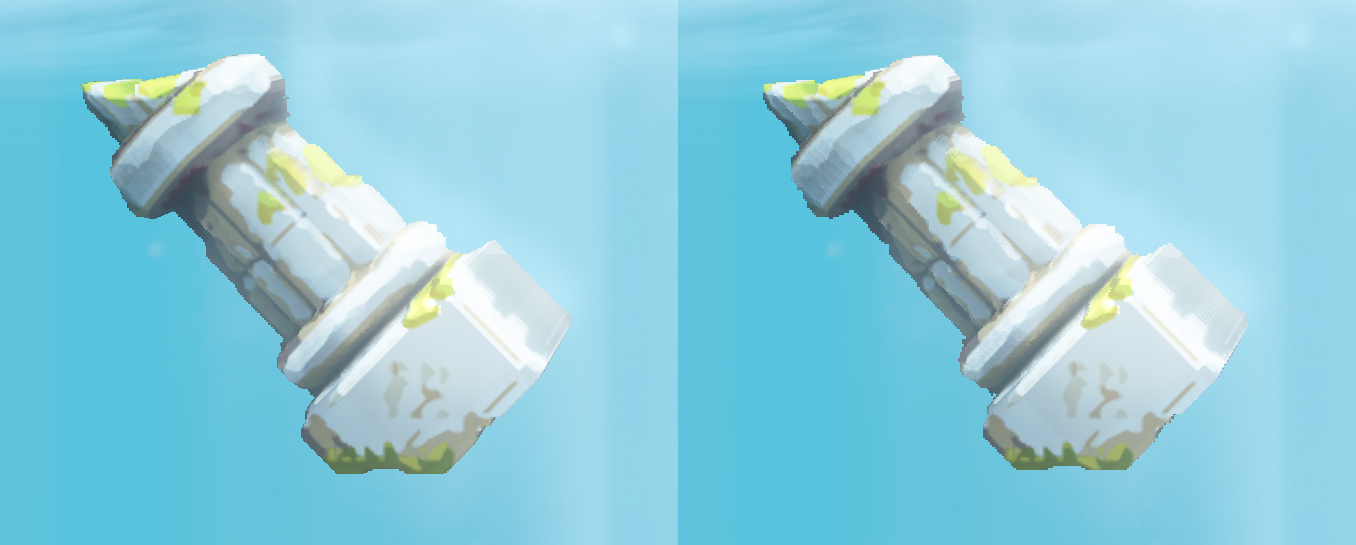
Below, pixel Art Parallax Mapping on the left, Contact Refinement Parallax (12+4 layers) on the right. Not much of a difference on a high pixel density image like this, except a little bit of banding on the right.
Below: Contact Refinement Parallax (10+5 layers) on the left. Pixel Art Parallax Mapping on the middle (15 iterations tops). Layered Parallaxing (15 iterations) on the right. You start to see the reason I developed this algorithm, both other methods display a bit of banding/pancaking. The benefit of my method is that if your texture resolution is small enough, you need fewer iterations of the algorithm to get perfect results.
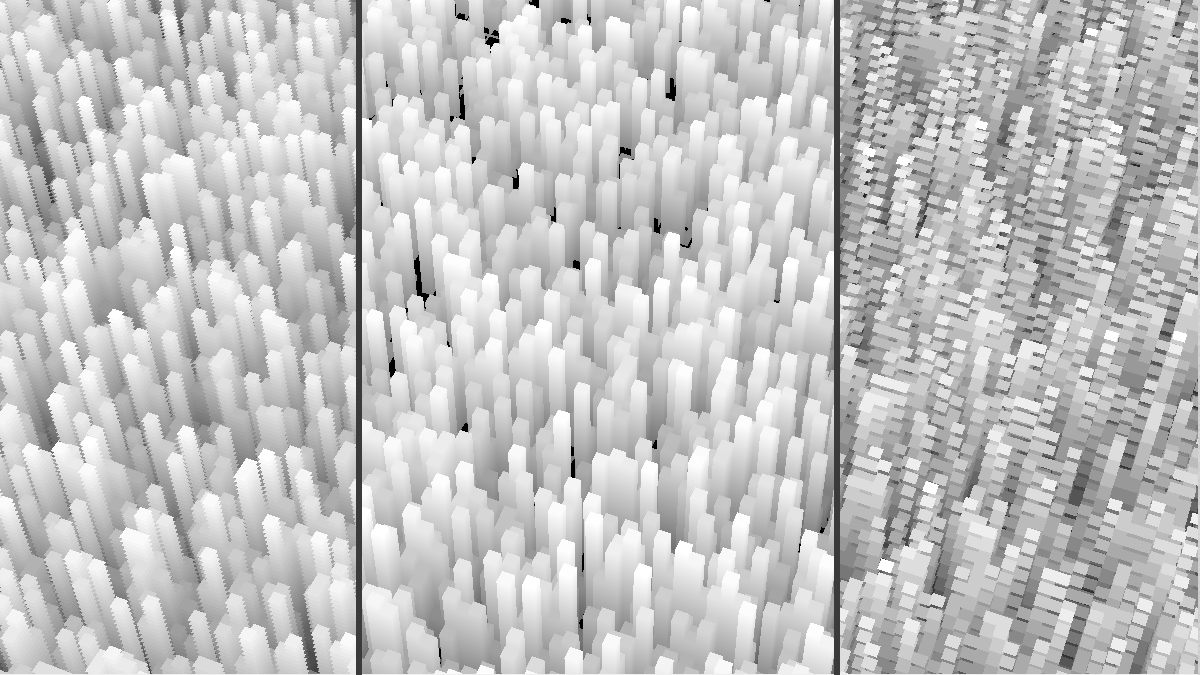
This method gives perfect parallaxing results without banding (objects looking like a layered cake), if what you call perfect is to match your heightmap pixels exactly. The denser the heightmap, the more iterations the algorithm requires. That's why this method is usable mainly for pixel art, and especially for angles where you don't see far into the parallax field (as you would need to increase the sample count). It's best for 2d games, especially 2.5d platformers. If you use the method in your game, or make a better version of it, let me know! And if you want to know more about the algorithm, just ask.
What did I end up doing? As I said, I decided to use higher resolution art after all, so I went with contact refinement parallaxing, at least for the moment. It's slightly faster with higher resolution textures, and it's not decidedly worse looking. I'm actually feeling a little guilty not using my own method!